 |
| Alejandro |
 |
| Alejandro |


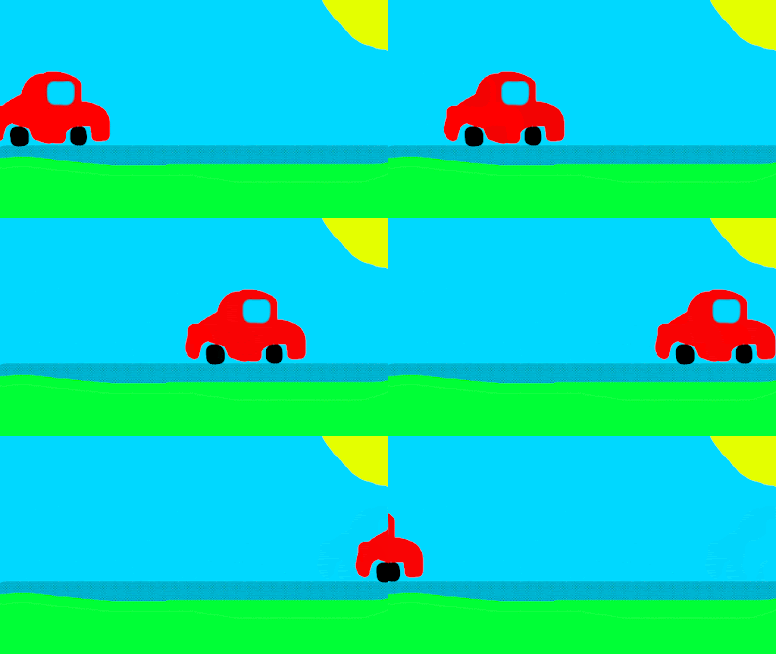


Using Adobe Photoshop
- Create a new canvas. open each frame as a layer- Create a background canvas. For each new layer include objects for your scene
- Open the Timeline panel and select Create Frame Animation
- Convert layers into animation frames
- Set the GIF to loop. Set speed of frames
- Export- save for web- save the GIF


No comments:
Post a Comment