Complete 3 mask projects.
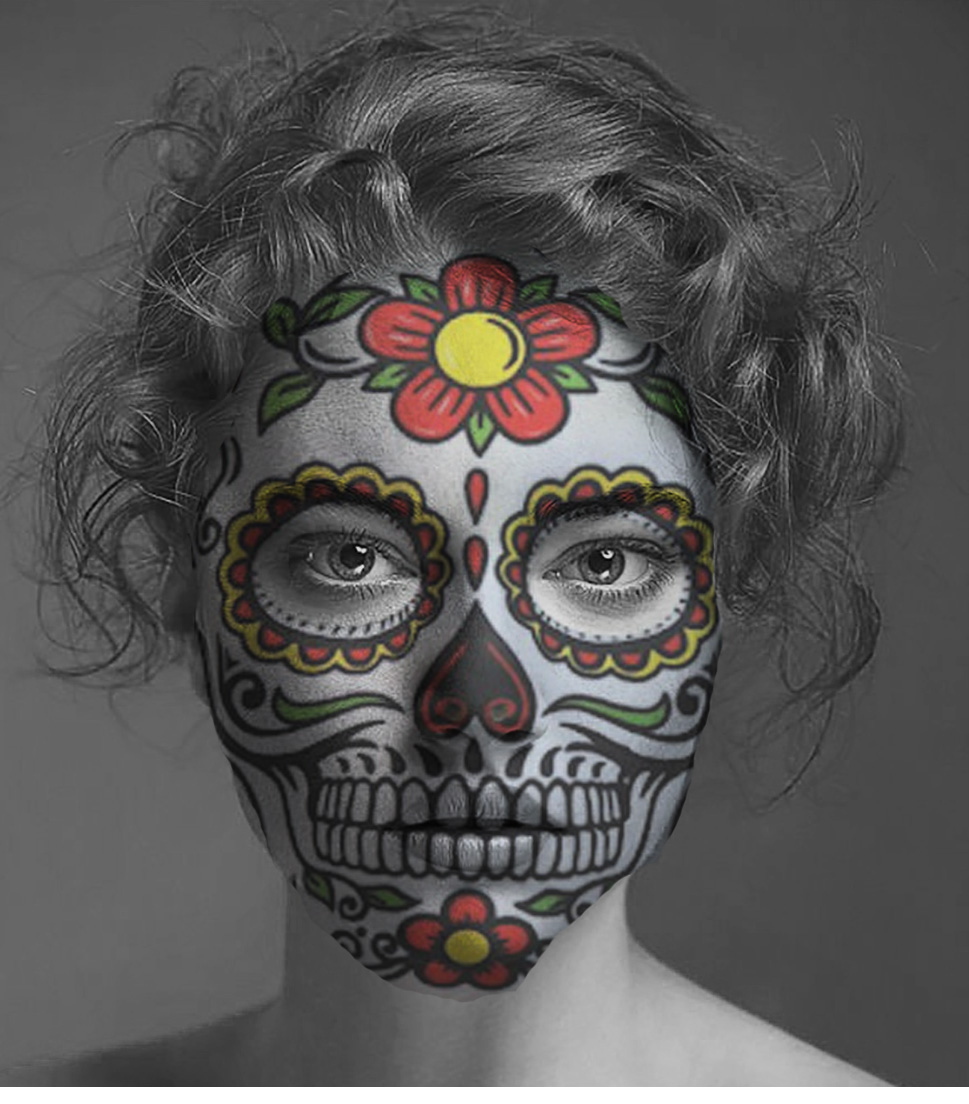
1. Sugar skull
2. Cracked earth
3. Skull
Process
1. Your photo
2. Mask
Post the before and after images to your website
Tools-
Marquee , select. Move. Transform. erase. Transform Warp
Puppet Warp
Blending mode- Darken or your choice


Photoshop Halloween Face Mask Projects Rubric
Criteria | 3 - Exceeds Expectations | 2 - Meets Expectations | 1 - Needs Improvement |
Completion of Projects | All 3 mask projects (Sugar Skull, Cracked Earth, Skull) are fully completed with clear before and after images posted to the blog. | 2 of the mask projects are completed with before and after images posted. | Only 1 or none of the mask projects are completed or images are missing from the blog. |
Use of Photoshop Tools | Skillful and creative use of Marquee, Select, Move, Transform, Erase, Transform Warp, Puppet Warp, and Blending Modes (Darken or choice) to enhance mask effects. | Adequate use of most tools listed to create the masks with noticeable effects. | Minimal or incorrect use of Photoshop tools with limited or no effect on the masks. |
Photo and Mask Integration | Photos and masks are seamlessly integrated showing strong understanding of layering and blending techniques. | Photos and masks are integrated with some noticeable blending or layering issues. | Integration of photos and masks is poor or incomplete, lacking effective blending or layering. |
Creativity and Originality | Masks demonstrate high creativity and originality in design and execution beyond basic requirements. | Masks show some creativity and originality with basic design elements applied. | Masks lack creativity or originality and appear copied or minimally modified. |
Presentation on website | Before and after images are clearly labeled, well-organized, and visually appealing on the website. | Images are posted on the website but with minimal labeling or organization. | Images are missing, poorly labeled, or not posted on the website. |




No comments:
Post a Comment